Sign-in
Passwords that MFA doesn’t protect
MFA that isn’t enforced, users who never registered, and legacy protocols that skip MFA entirely.
Microsoft 365 security assessment
SecurityScout connects with read-only access, checks the identity, app and guest settings attackers rely on, and tells you plainly what is wrong, what is fine, and what it could not verify.
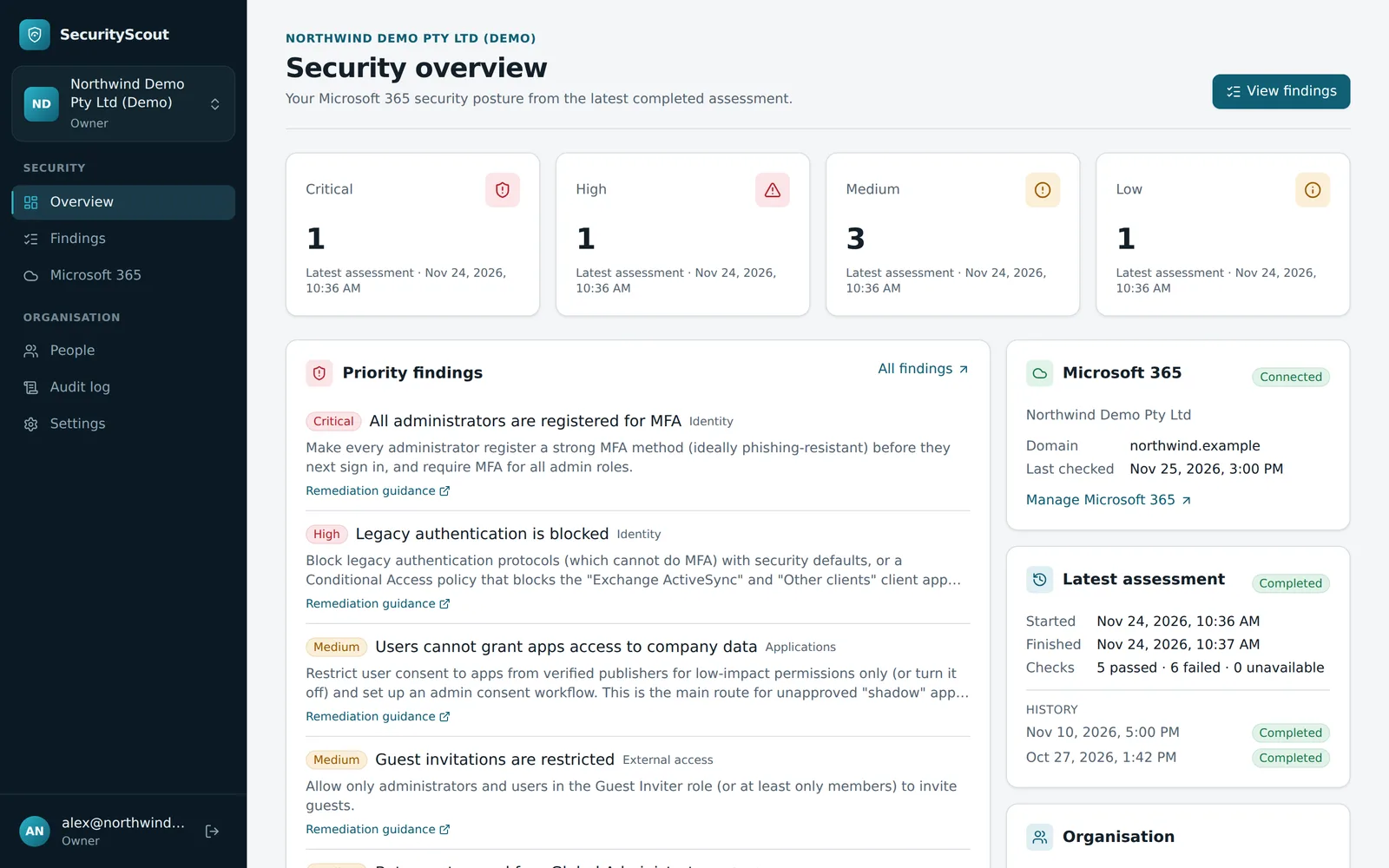
What SecurityScout checks
Not a long list of settings. Each check covers a route attackers use, and comes with Microsoft’s own guidance on how to fix it.
Sign-in
MFA that isn’t enforced, users who never registered, and legacy protocols that skip MFA entirely.
Privilege
Global Administrator sprawl and external guest accounts holding admin roles.
Apps and guests
Third-party apps reading mail and files, open app consent, and guests who never left.
Honest results
Every check reports one of four results: a confirmed risk, a pass, data that was unavailable, or a check that does not apply to your licence.
So a clean report means the settings were actually checked, and a gap in the data shows up as a gap you can fix.
Two ways to use SecurityScout
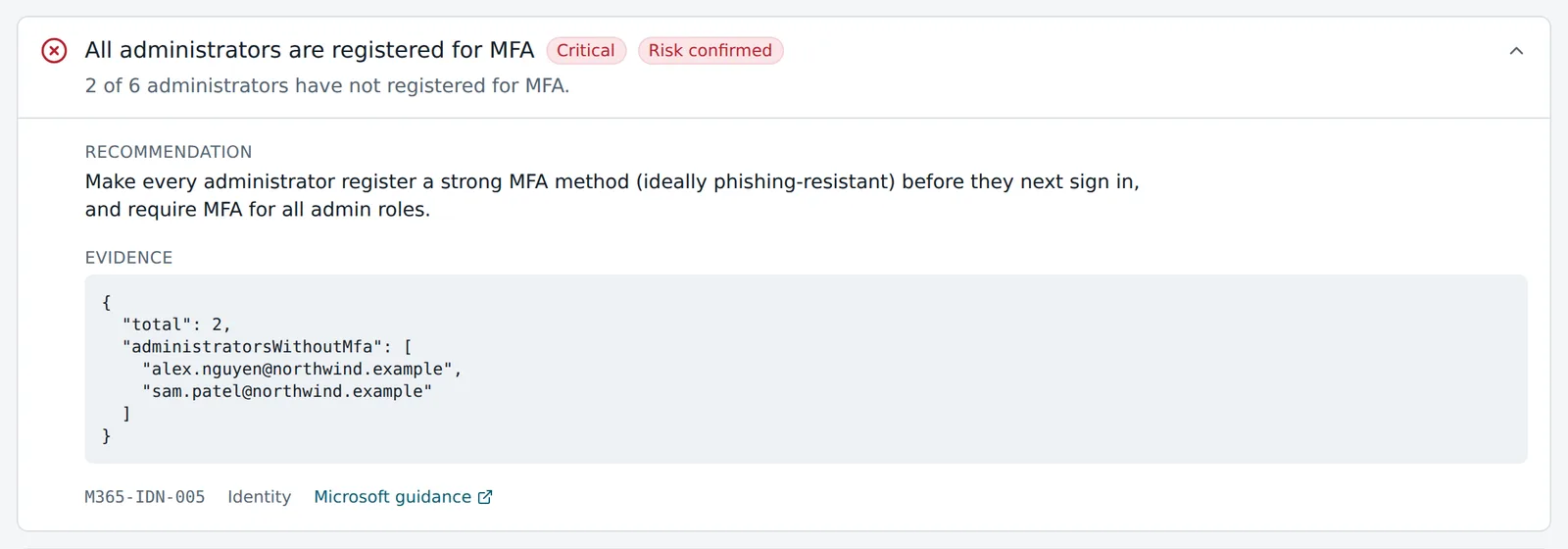
For businesses
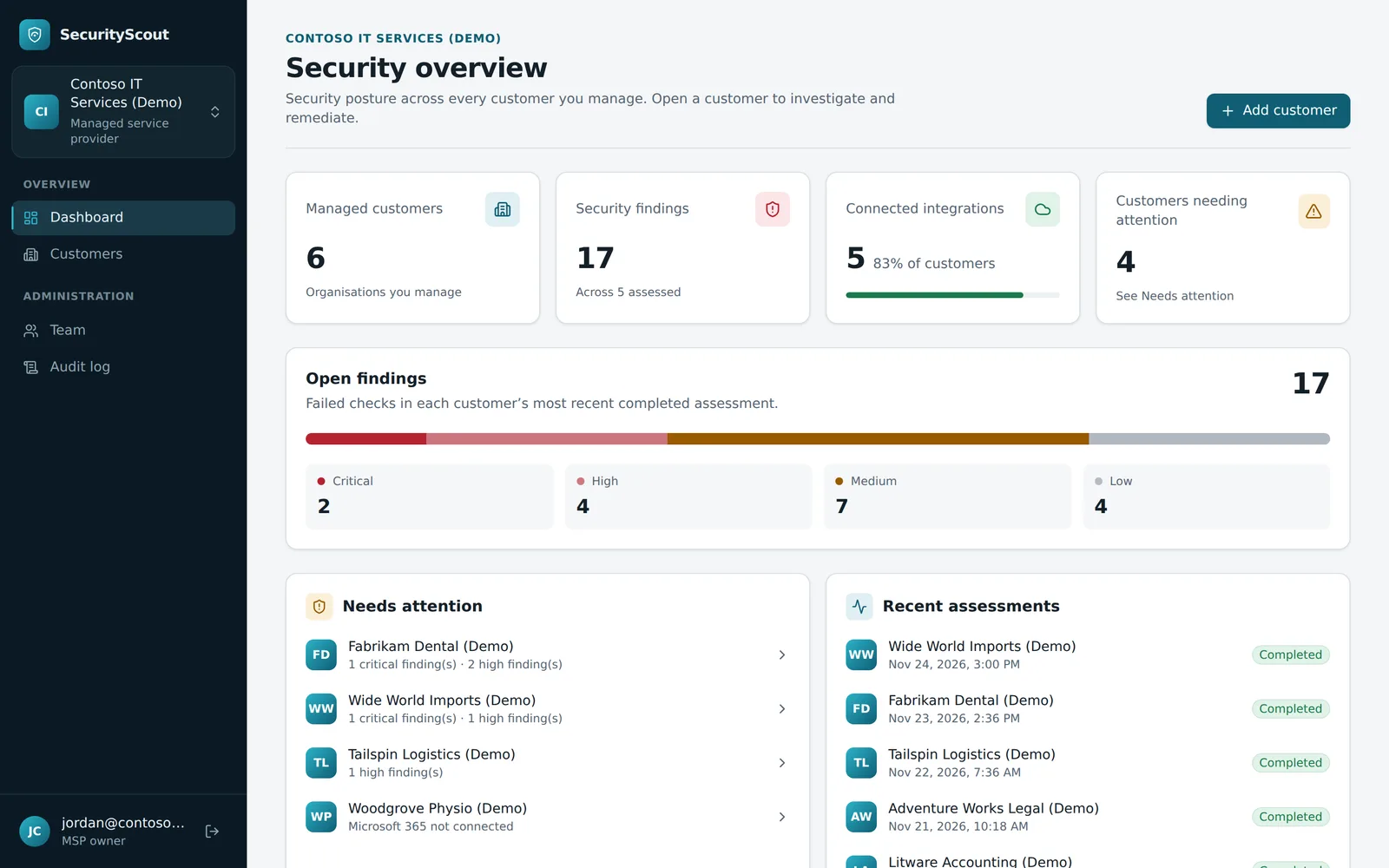
For MSPs
Built to be trusted with access
SecurityScout never changes your Microsoft 365 settings. It only reads them.
Each customer’s data is isolated by row-level security in the database itself, not only by application code.
Customers keep ownership of their organisation. A managing MSP cannot remove or demote the customer’s owner.
Staff, access and Microsoft 365 connection changes are recorded in an audit log that the application can add to but never change or delete.
Pricing
No setup fees and no card on this website. We onboard you personally and invoice monthly.
For businesses
One Microsoft 365 tenant, assessed whenever you choose.
$50USD / month
For MSPs
One partner portal; pricing that gets cheaper per customer as you grow.
$100USD / month, 10 customers included
Prices in US dollars, excluding any applicable taxes. Billed monthly by invoice; no card is taken on this website.
Connect with read-only access and run your first assessment. Your tenant settings are never changed.